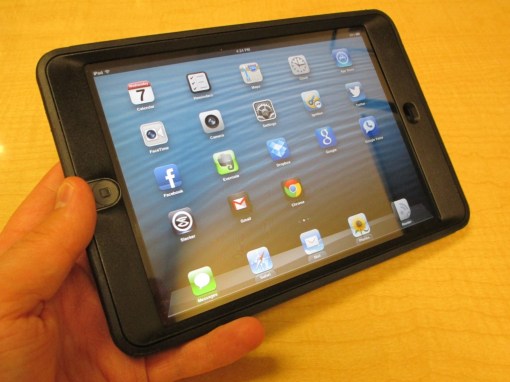
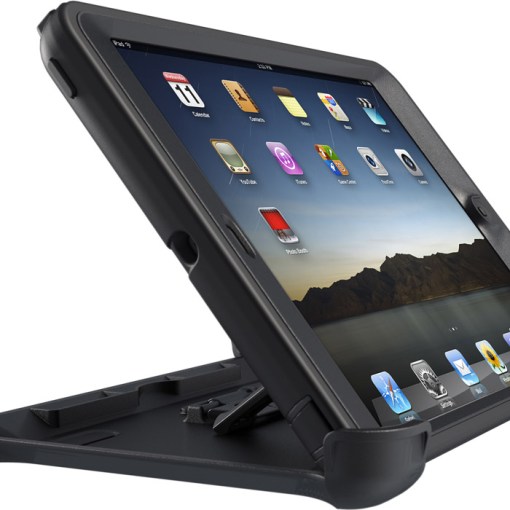
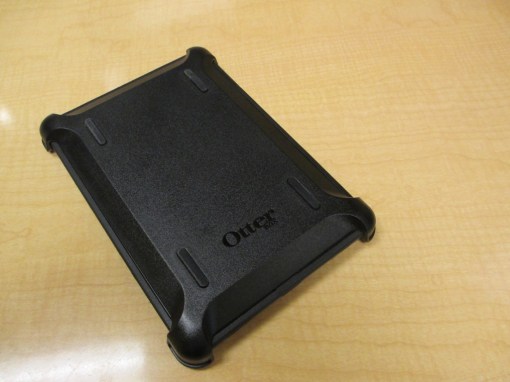
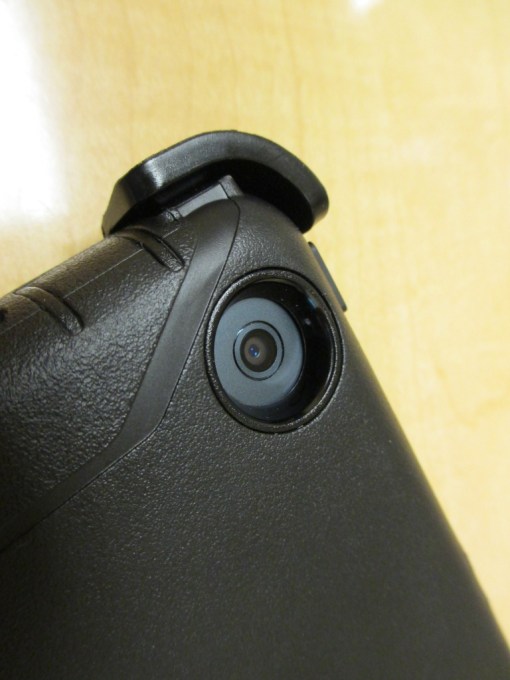
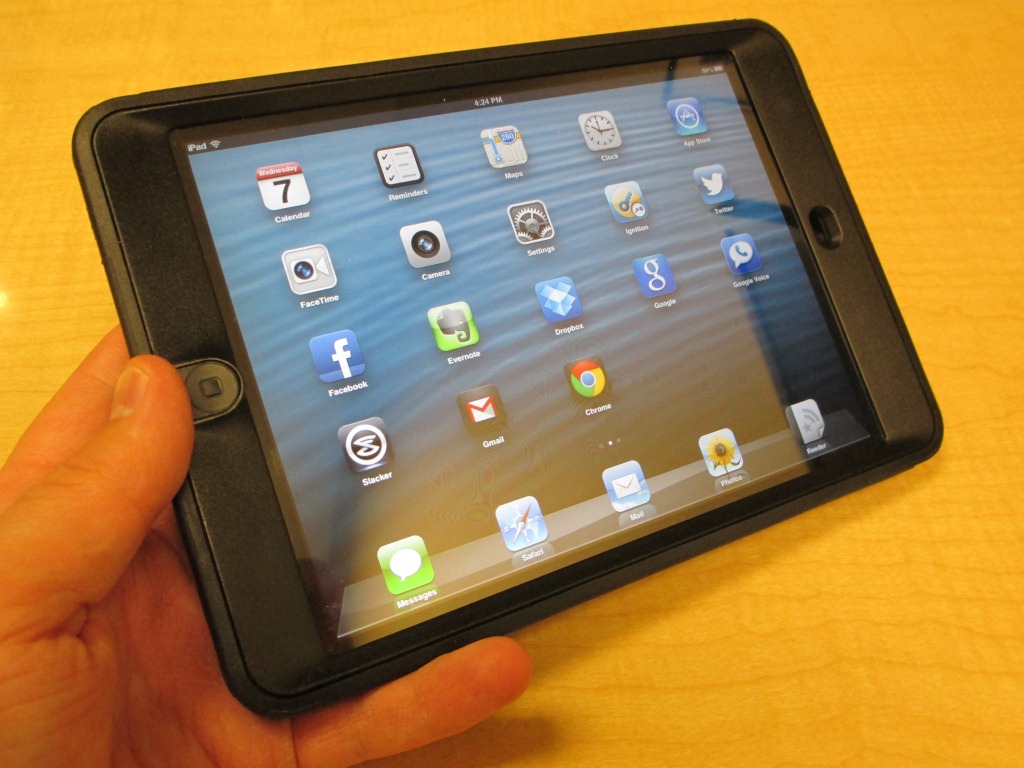
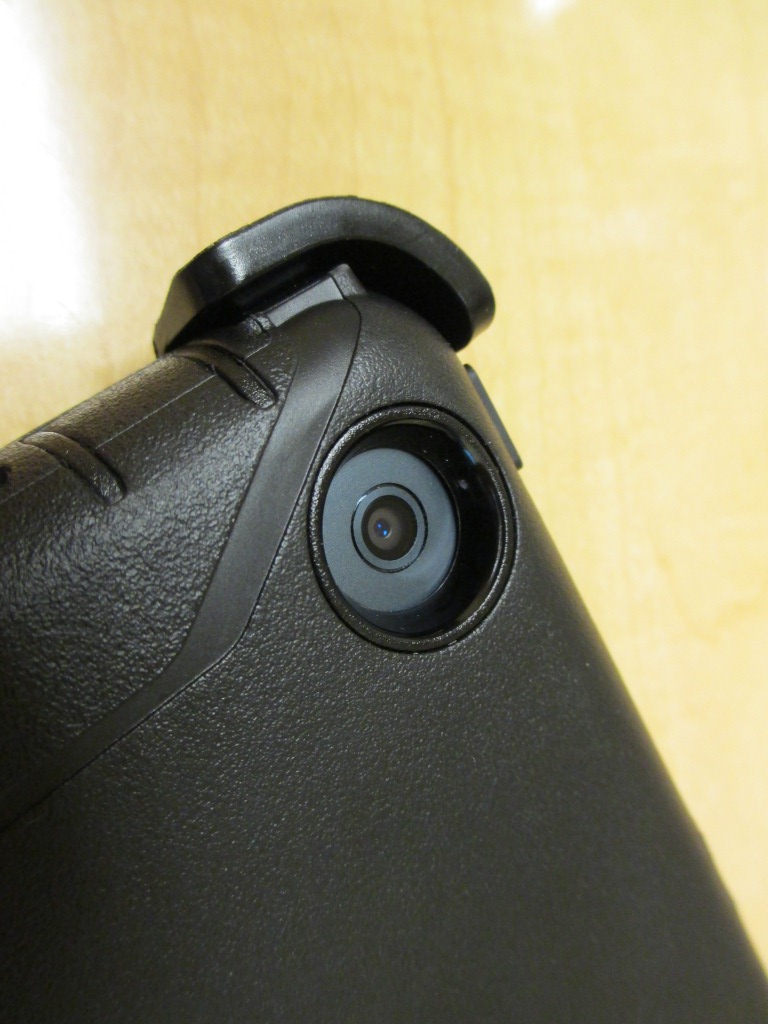
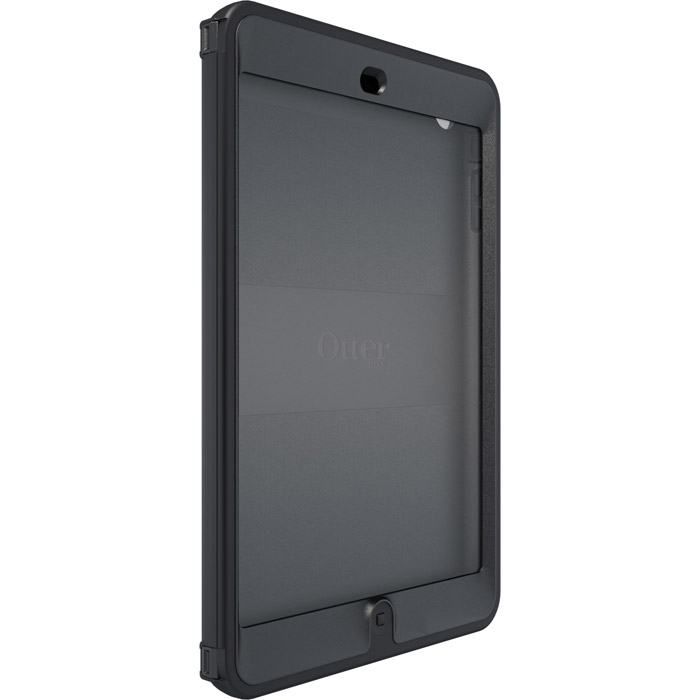
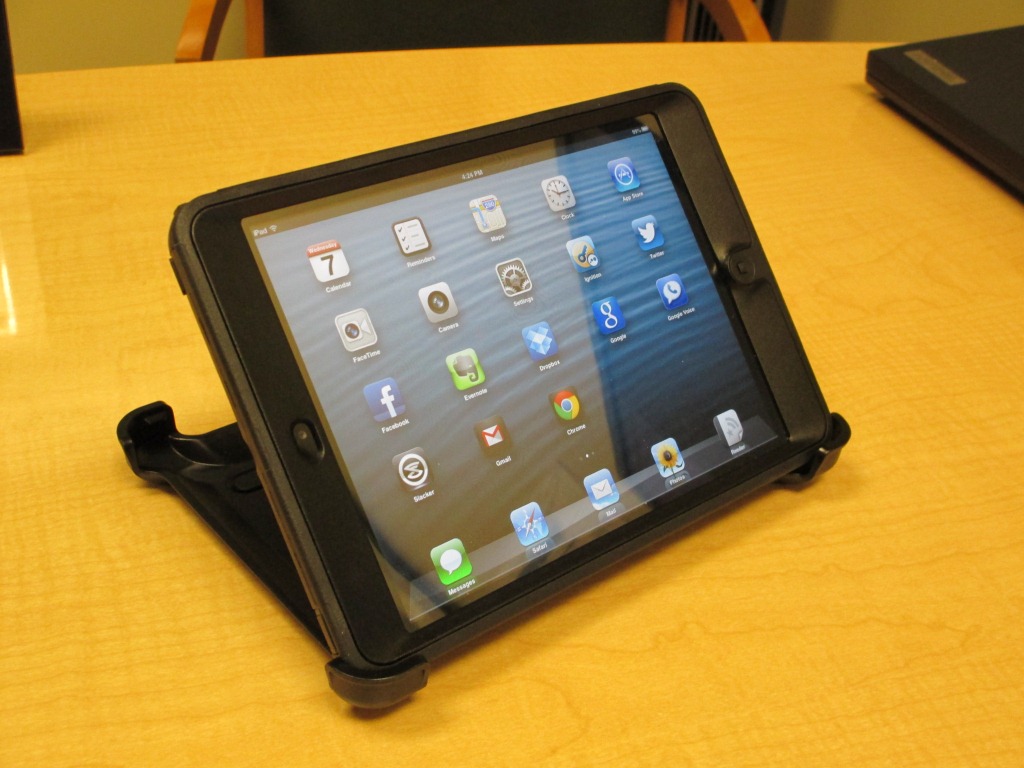
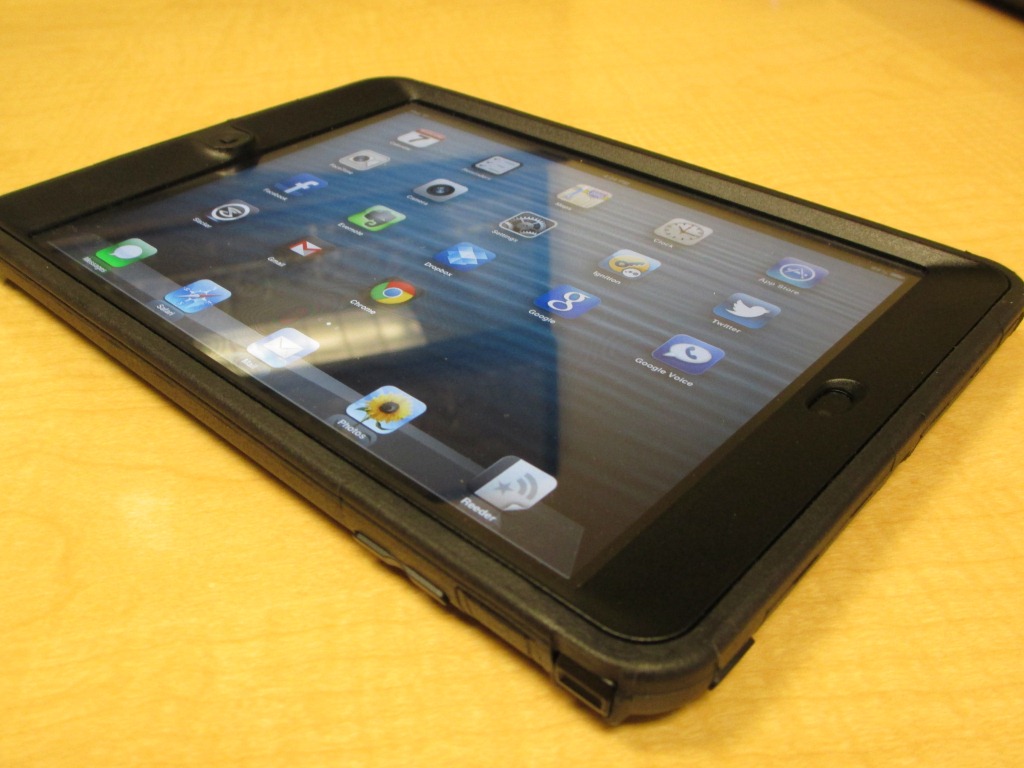
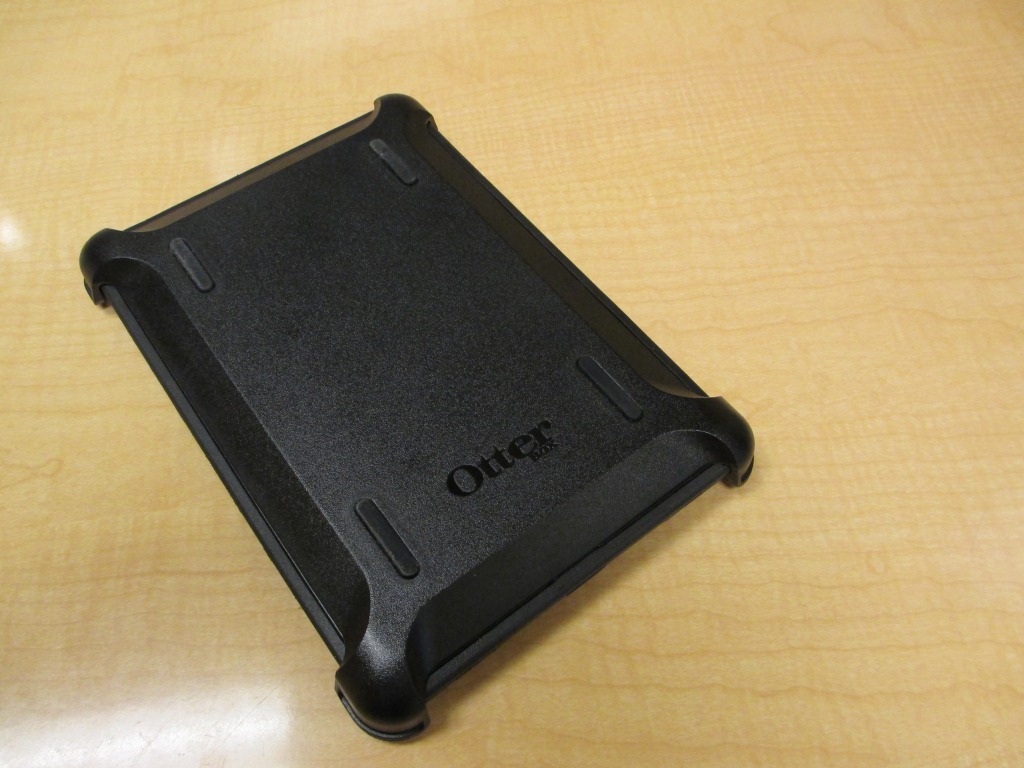
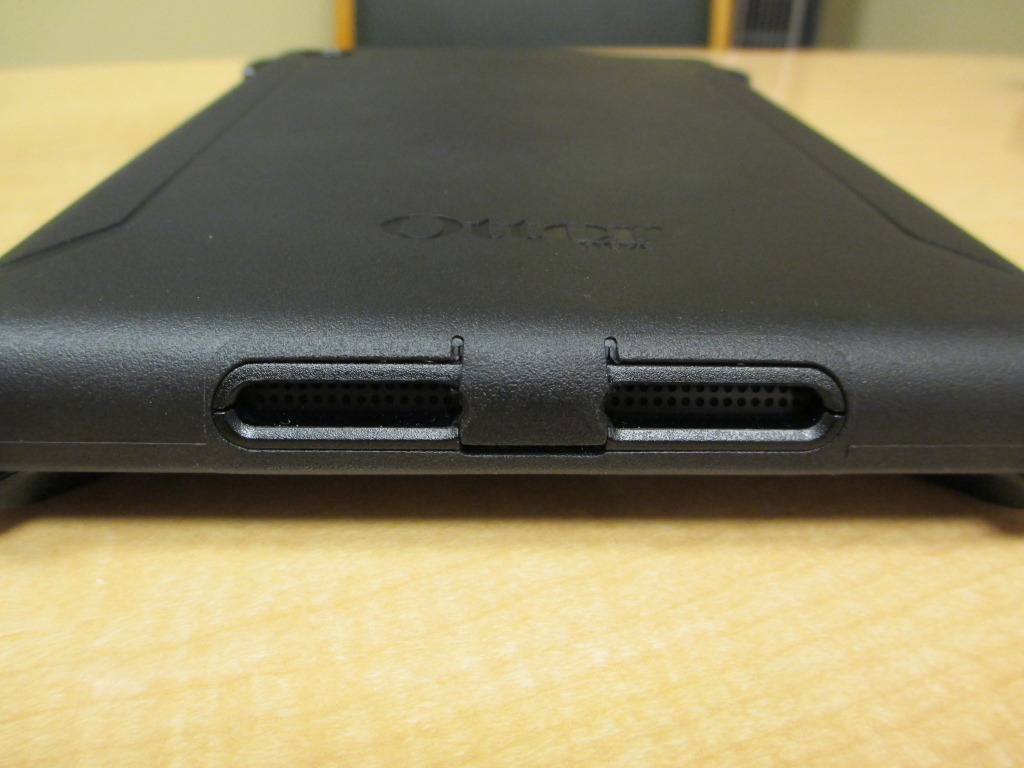
Otterbox makes some of the most popular choices out there for keeping personal electronics safe in even the roughest conditions. The Commuter and Defender series cases provide complete device protection, with multiple layers of coverage and plenty of options for all tastes and styles. Let’s take a look at the latest offerings for the new iPhone 5.
Otterbox Commuter Series – Features and Design
The OtterBox Commuter Series has three slim, yet sturdy layers of protection. With a moderate form factor and smooth outer layer, this case slides easily in and out of a pocket, purse or bag. The package comes with a screen protector, rubber membrane, and rigid plastic shell. The case is easy to put on and take off without much hassle, and you’ll find precision cutouts for all ports, holes, buttons and lenses.
The Commuter Series has been one of my favorites for quite a while. I have used it on iPhones going back to the 3GS, and find the protection it offers as little compromise to the thickness it adds to the device. The only gripes about the iPhone 5 version are related to the attention to detail. I found the seams on the outside of the case to be a bit rough on my hands, and the rubber membrane didn’t fit quite right. Note the slight gap on the side of the screen. Granted, the plastic shell is not on to hold everything together, but this is out of character for Otterbox and their typically near-perfect fit. Hopefully these two items are just early production kinks that will work themselves out.
Otterbox Defender Series – Features and Design
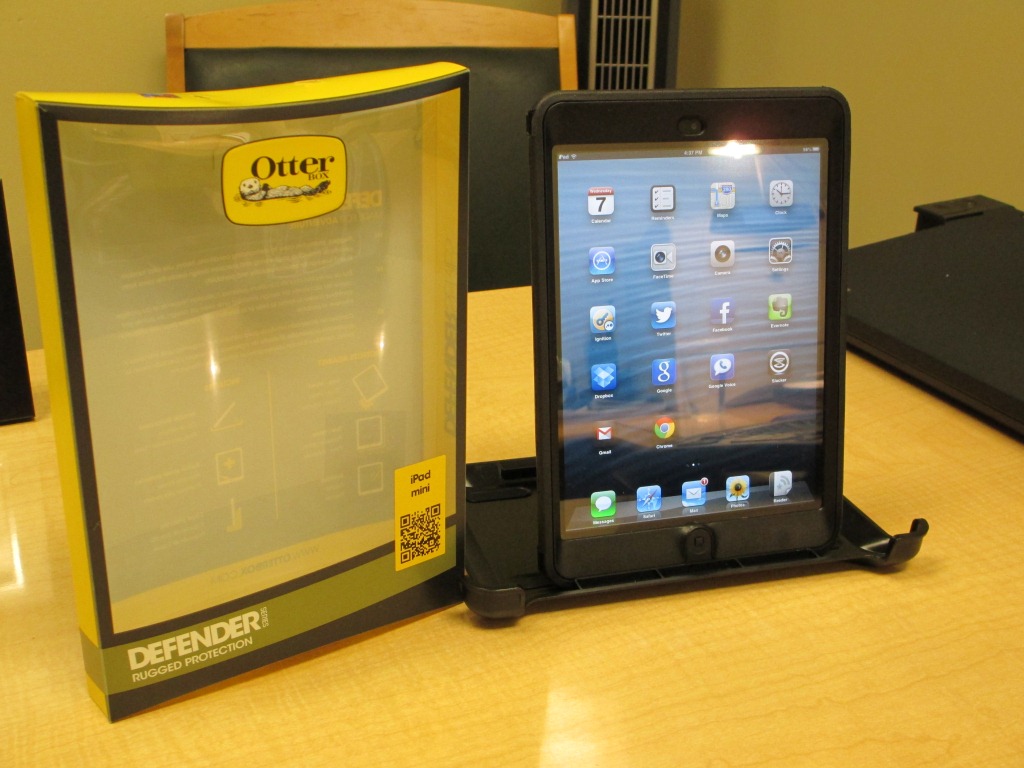
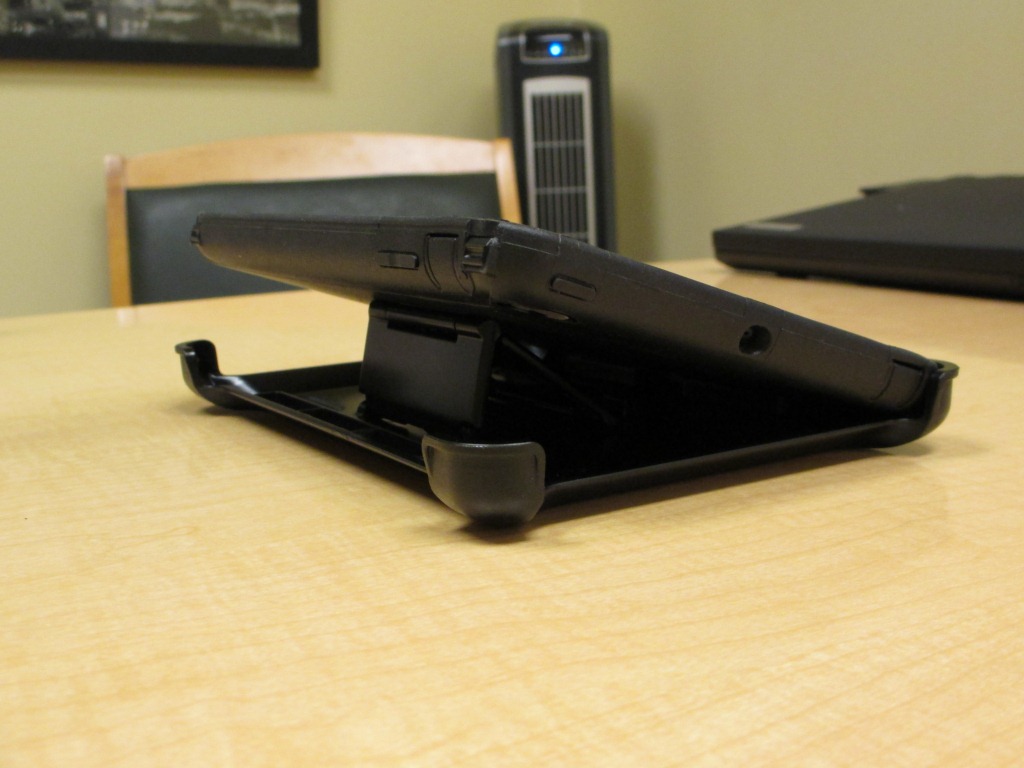
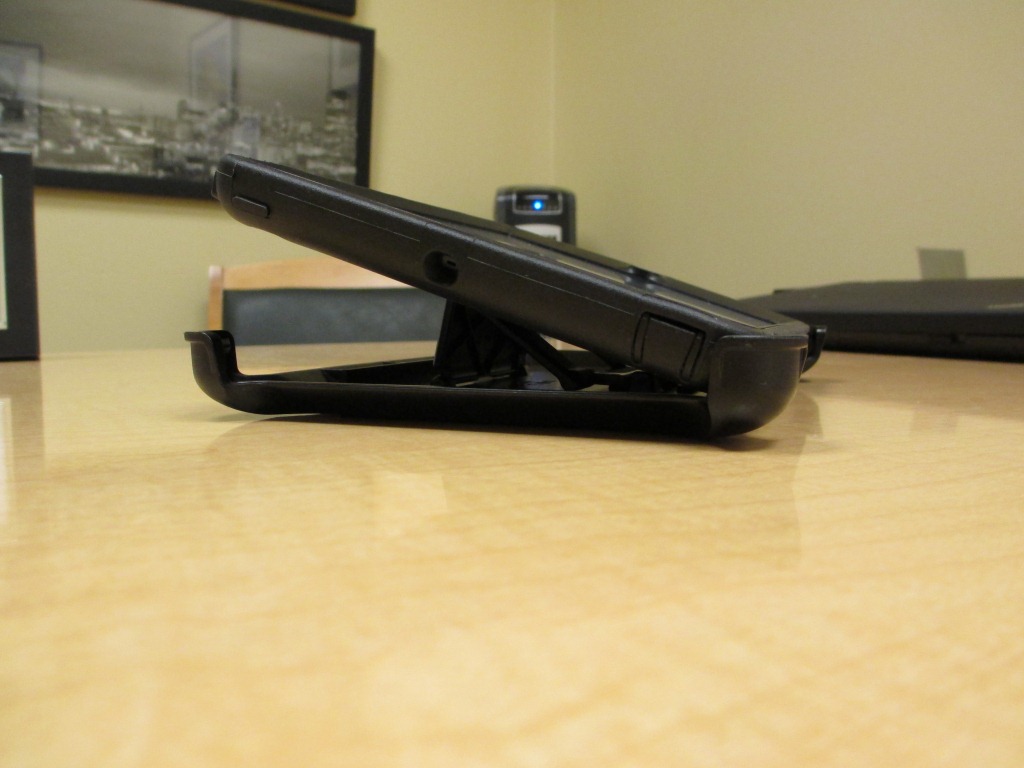
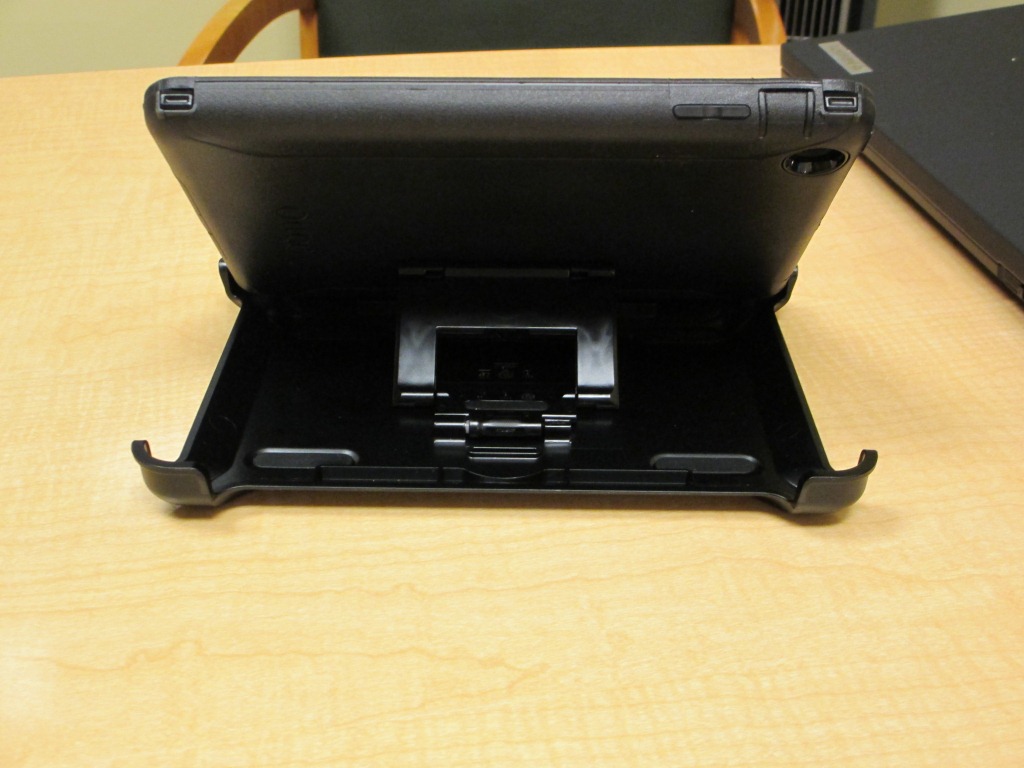
As with all Defender Series cases, you’ll find 3 layers of protection. First, a thin, clear membrane covers your Touch Screen to help prevent scratches and dings. Second is a hard, Polycarbonate skeleton that surrounds the phone. Wrapped around all of this is a Silicone skin that absorbs bump and shock. Also included with the case is a Clip-Stand holster.
Having reviewed the Defender in the past, I had a preconceived notion before this review that it was going to be too bulky for my taste. Fortunately, because of the incredible thinness of the iPhone 5, the Defender actually feels quite nice when installed. I personally don’t like the screen protection that is built into the case, but for those that are looking for the toughest of cases, no need to look any further.
Overall
Overall, both the Commuter and the Defender Series cases from Otterbox are solid choices. I always anticipate their cases when the new iPhone comes out, looking forward to see what they’ve done. Whether you’re prone to drops, or just want to keep your investment safe, Otterbox has two solid options for the new iPhone 5.
The cases used in this review were provided by Otterbox.
Can Apple keep their cloak of secrecy going, why customers should really be allowed to choose their own phones and why workers with BYOD policies work more hours.
Using Google Voice for all your calls, how the Olympics were the proving grounds for network design and Time looks at cell phones in today’s mobile world.
Our best practices, we’re talk about what we use, why we use it and how it makes us more productive. If you’re a long time listener to the show, you probably know quite a bit about us, but we’re diving into not only the what, but the why of our mobile technology.
Recently, I’ve spent time seriously considering how someone could replace their laptop with a tablet. I’ve seen a lot of Bluetooth keyboards, but I always go back to “if I’m going to carry around a separate keyboard, I might as well just carry a laptop.” Case in point, I have an Apple Bluetooth keyboard that collects dust in my drawer because I refuse to carry one more thing when going places. It’s a compact device for a reason, and I don’t want to be encumbered with another piece. So when I met with ZAGG at CES this year, the ZAGGfolio for iPad 2 caught my eye. The all-in-one keyboard/cover/stand from ZAGG is ideal for use on the go. It provides functionality, protection, and a comfortable working experience, all in a single package.
To really put the ZAGGfolio to the test, I wanted to create, edit and post this entire review exclusively on the iPad. That means all text, formatting and media insertion would be happening right here using the keyboard. Basically, the ability to do everything I do for a full review right on the tablet. I’ll reveal at the end if I was able to achieve this goal. Available directly from ZAGG, the device used in this review was provided by ZAGG.
Manufacturer installation demonstration video
In the box
ZAGGfolio for iPad 2 with removable Bluetooth wireless keyboard (battery included)
USB to microUSB charging cable
Various documentation
Specifications
Weight: 19 ounces (539 grams)
Keyboard only: 11.5 ounces (326 grams)
Folio only: 7.5 ounces (213 grams)
Length: 9.75 inches (247 mm)
Width: 7.625 inches (193 mm)
Depth: .9 inches (23 mm)
Works with Apple iPad 2
Battery Type: ZAGGfolio Bluetooth 3.0 keyboard uses a 510 mAh rechargeable lithium polymer battery.
Battery Duration: battery will last several weeks of normal use without charging.
Full list of features (from ZAGG)
Setup
As with most Bluetooth devices, the setup is fairly simple. Turn on the folio and press the connect button to put it into pairing mode. Then, go into Bluetooth settings on the iPad and select ‘ZAGG Keyboard’. Type in the unique code shown on the iPad screen, and paring is complete. Since the folio is used as a case, the iPad slides in with minimal effort. A center groove in the folio lets the iPad rest securely while in use, and rubber bumpers around the metal keyboard keep the iPad screen safe while the folio is closed.
Battery
The ZAGGfolio uses a long-life, lithium-polymer rechargeable battery that offers several weeks of normal use with just 510 mAh. The keyboard goes into sleep mode if it’s left on and not being used. Press any key and wait a second or two to bring the keyboard out of sleep mode. The battery has no memory, so ZAGG says you can charge it at any time. Of course they recommend you turn the keyboard off when not in use, but with the low power consumption, it really doesn’t matter. A status light on the keyboard lets you know when you’re down to approximately 20% battery remaining. This means not hours, rather, you’ll have 2-4 days before it shuts down. Clearly the power-users dream battery scenario, honestly, you’ll never find yourself worrying about the battery.
Special Function Keys
Upon inspection of the keyboard, I noticed a lot of special function keys, mostly on the top row. From the cut/copy/paste buttons to the Home and Lock keys, ZAGG took care to put on options that would be the most used, and most practical for the iPad specifically. The lock button in particular was very nice to have, as I regularly turn the screen on and off during the day, and a dedicated keyboard button made this particularly easy. Also, the search button made launching of apps nice and quick, with the spotlight search is my preferred way to find and launch my program of choice.
Use and Results
Using the ZAGGfolio is where things get interesting. When I first opened the package, I was surprised at how relatively heavy it felt. The keyboard is a solid piece of aluminum and the case is a soft touch ABS hard-shell case wrapped in leather with a microfiber interior lining. At 19 ounces, the ZAGGfolio nearly doubles the iPad 2’s weight of 21 ounces when attached. This is often one of the downfalls with any iPad case, and something to consider when purchasing. You’ve got this sleek, light tablet that is completely vulnerable to drops. Start thinking about protection, and you’re going to cover the whole thing up and make it feel like a book with a case.
Once I had the keyboard paired and the iPad slid into the folio, I realized two things. First, the iPad is now very well protected. With a smart cover from Apple, you’re only covering the screen. Using the ZAGGfolio, the entire iPad is now wrapped, and is well protected. The second observation is that you’re pretty much now restricted to use in landscape mode. Basically, you’re not going to be doing ebook reading in bed with the ZAGGfolio attached, and simple “tablet” use is too unwieldy with a full physical keyboard. Though, my purpose of this review was to determine if it would be possible for someone to use the iPad as a laptop replacement. Plus, the iPad slides in and out fairly easily, so, I didn’t have too many reservations about this setup, just something to consider.
Regarding the keyboard itself. While the keys are smaller than on a laptop, the spacing is such that it’s still quite decent. In fact, the black chiclet keys reminded me of the MacBook Air, and even a closeup image of them (below) has even me doing a double take when I see it.
In my day to day use, I found I was using the iPad much more than I had in the past. Whether it was processing emails, corresponding over iMessage, or just using it while in meetings, the full keyboard was a nice thing to have. However, as soon as I got home, my use plummeted. I rarely considered pulling it out, as the mental block about having the keyboard on it had me thinking “do I really need a full keyboard right now”, and I’d reach for a smartphone instead. Sure, it’s easy enough to remove the iPad from the folio, but then, I’d want to put my snap on case back on it to protect it from the mayhem that is my life. This seemingly minimal inconvenience tells me something about my use of a tablet. I’d much rather have the keyboard during the day for getting work done, but when 5pm hits, a plain tablet is more my speed.
Overall
After a few weeks of using the ZAGGfolio, and composing this review while using it, I’m happy to say it easily met my expectations of what I need out of a laptop. At the beginning of this review, I said I wanted to complete the entire thing from the iPad. Well, I made it about 95% of the way. Thanks to the WordPress app on the iPad, the text entry and media insertion were a breeze. Further simplified with PhotoStream, I took all the photos with my iPhone 4S, and then selected them for insertion on the iPad. What I couldn’t easily do was the insertion of bullet points and the YouTube video at the top. Though, this clearly is a limitation of the app, not the ZAGGfolio.
Most of what I do while on the go is text based, and a full qwerty keyboard of the ZAGGfolio makes the iPad as useful for 90% of the tasks as my MacBook Air. Further, I love the instant-on abilities of a tablet, and think that for the vast majority of people, a tablet makes much more sense than a laptop for their next purchase. Truth be told, the ZAGGfolio had me reconsidering the need for my laptop, as I was able to connect remotely to a desktop for the times when I needed a full desktop app experience. The bottom line is if you’re trying to figure out what your next computer purchase will be, but web based services and internet browsing are going to be your primary uses, a tablet with the ZAGGfolio is a better option. Offering protection, efficiency and utility, the ZAGGfolio for iPad 2 provides you with it all.